The Kindle App: Great for Quick Reads

[This week it’s all about my fave Android Apps]

If I’m going to be reading on the go and I don’t want to pull out my Kindle (or a book), a great way to read is the Kindle App on my phone. I love that Kindle allows you to read the books you purchase on different devices. I have it on my iPod, on my Mac and now on my Thunderbolt. I can sync across the apps, so I’m never looking for my place.

I usually download the books I want to read from the archives (this is at no cost since it’s already purchased), and when I’m done I remove them from the device.
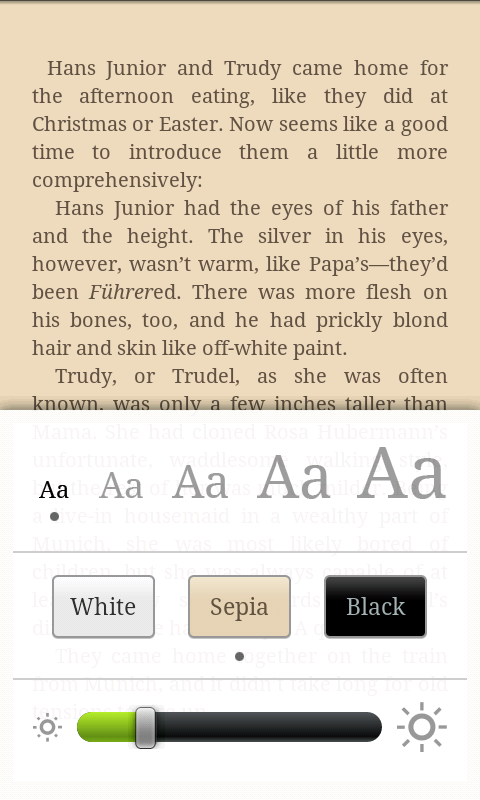
Since I’m reading it on the device, I usually like to read on the smallest print (more words on the screen) and in Sepia (I think it’s easier on the eyes). I try to keep the brightness down to the lowest I can – without straining to see – so that my eyes don’t hurt

Another great feature is the ability to see, edit and add notes! I’m always taking notes on my Kindle so I’m happy to see that this feature is available on the Android version.

One of the things missing on the Android that I’ve seen on the iPod version is Popular Highlights. I’m sure this will be added in the future and since I don’t use it often I don’t miss it but, it usually is fun to see what other people find highlight worthy.

I’m happy that Amazon has decided to open the Kindle across different platforms for their users to read books on the go. I really love my Kindle but I’m still not able to take it everywhere I go, so when I can’t, it’s good to know that I can still read books on my phone.
Amazon is my favourite!

[This week it’s all about my fave Android Apps]

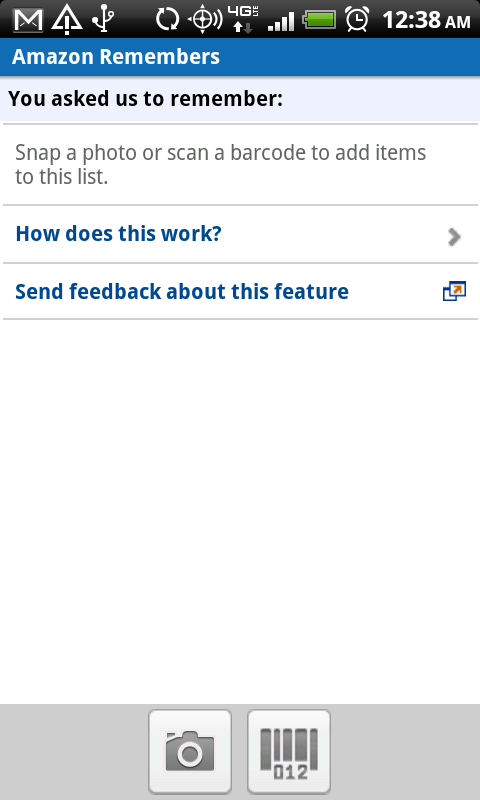
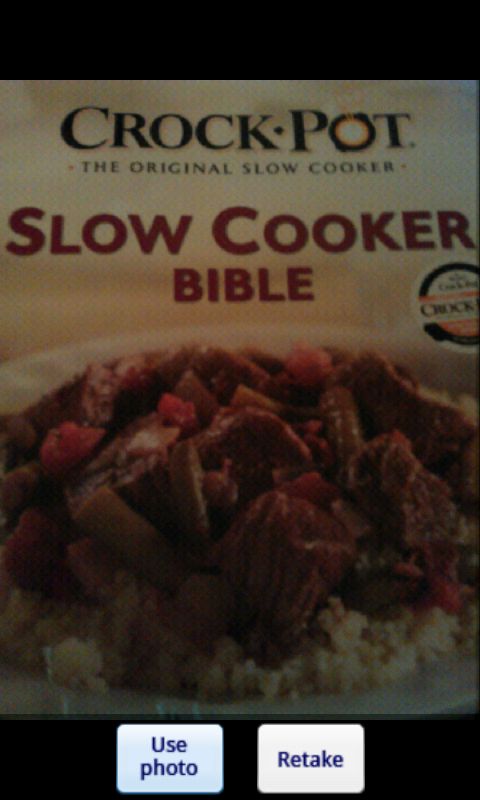
Anyone who knows me and have seen my room knows that I love books. I LOVE BOOKS! One of my past times is to browse bookstores for interesting reads. I developed a system where I’d read the summary and if I liked it, take a picture of the cover so when I got home I’d remember the book and I could read the reviews online to see what others are saying about it. So when I got my Thunderbolt and downloaded the Amazon.com app, I fell in nerd-like. There’s a program within it called Amazon Remembers. It’s such a great program and does, on the spot, exactly what I was doing!

You could either take a photo of the cover of the book, or zoom in on the barcode of the book (it recognizes the barcode and decodes it).

Once you snap a photo to your liking, click on the “Use Photo” button, and ….

Instantly (or a few minutes, depending on the quality of the picture I suppose), you get the result. If you are waiting on a result it alerts you when it arrives. You can then choose to purchase, read reviews or add to your wish list.

I can’t wait to go to the bookstore and try this on as many books as I can!

*confetti*

HTC Thunderbolt, I haz it.

It’s not a secret, I’ve been hating on my blackberry for almost a year now, so when the HTC Thunderbolt was quietly released last week, I practically ran to the Verizon store and bought it.

I have not regretted this decision.

Look at it. It’s so pretty!

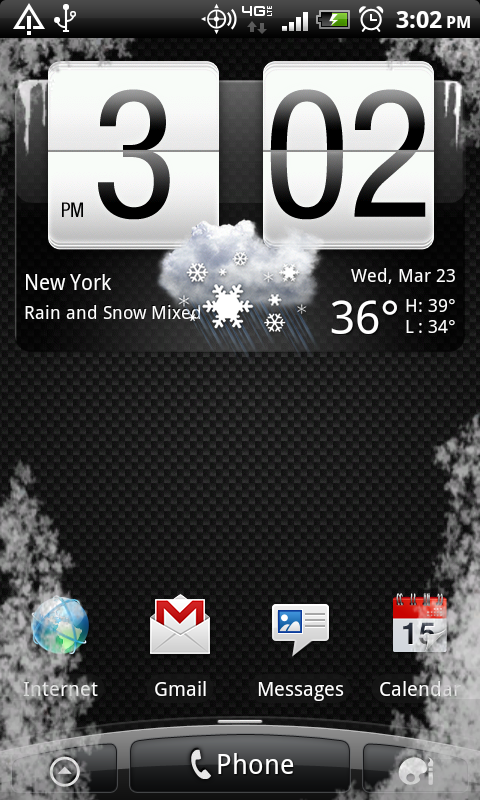
I love the weather widget, with it’s animated clouds, or sunlight, or rain. I love that it’s Google’s platform so Google syncs seamlessly with it. After all, I have everything Google.

Google helps me with my email accounts (yes, many). My calendar, my contacts, my Google Voice and my chat. I also use Google for Google Docs and Google Reader. I use these things every day. So having them on my phone is a huge plus!

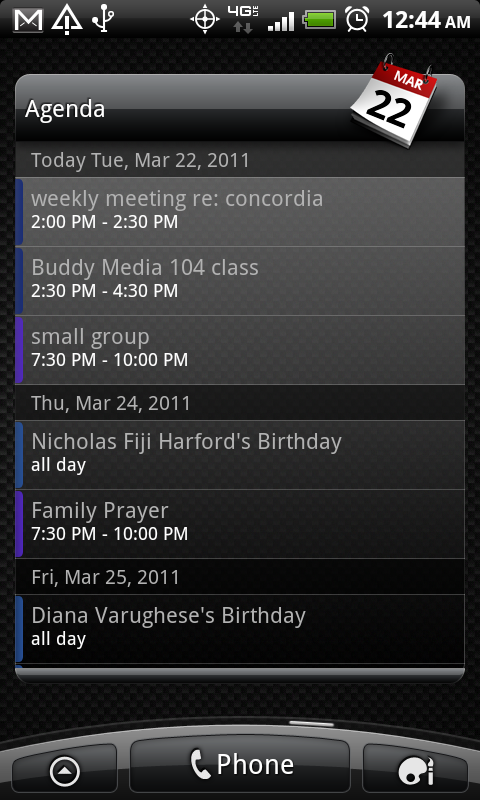
The calendar widget is one of my favourites. Not only does it show you your Google Calendar, but it syncs your other mail calendars and your Facebook calendar in there as well. So I know when I have meetings, or when I have personal events, or when someone’s birthday is coming up. I’m really bad at remembering dates and names, so this is perfect for me.

As it’s on the 4G LTE network, the phone seems to run as fast as my wifi connection. When I was first using it, I almost forgot I was on my phone – that’s how fast it was. This does have a downside to it though, since the phone can be used as a hotspot, I can see myself wanting to tether my phone to my laptop a lot! Not much of a downside for people who need it, but a downside for me because now I am always connected (or can be). Verizon also has the hotspot setup for free until May 15th, so that doesn’t help, as I love trying it out and it is amazing!

The camera quality is great for a phone. I haven’t recorded anything yet, but I’m sure video would be great as well.

The phone is wider than your normal phones, so that will take some getting use to, but over all I’m extremely happy with my new toy! If you’re on Verizon, look into getting it =)


Data Usage Audit

How much data do you use?

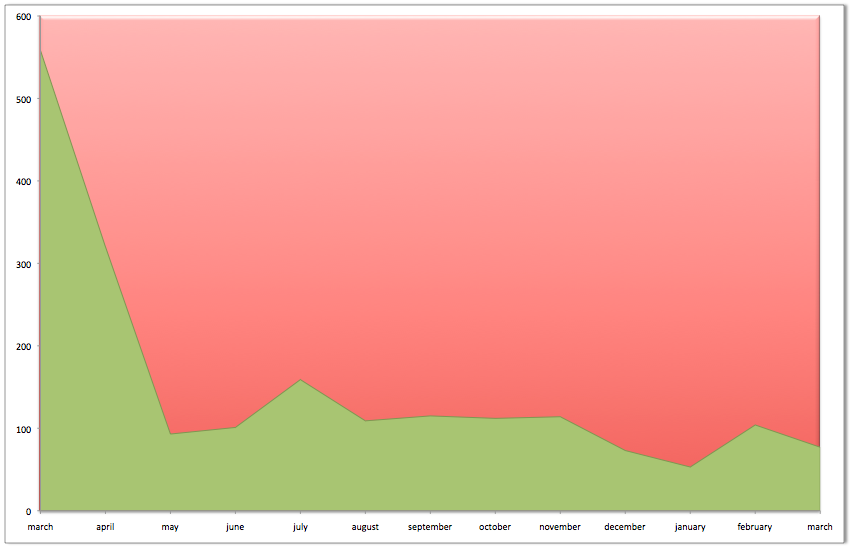
As the end of my Verizon contract approaches, I’m starting to wonder whether or not I could lower my data plan from the unlimited plan it is now, to the paid plan option. In order to do this, I had to go over a year’s worth of bills and check my data usage. I have to say I am surprised at the amount of data I use, I thought I used more, but then again, my phone was “dead” for half of the past year and I couldn’t use it to it’s full potential.

I’m not sure why March 2010’s usage was so high. Probably all that gchatting on my cell. Regardless of the lower usage for the rest of the year, unless Verizon gets a 200MB plan, I guess I’m sticking to the unlimited plan.

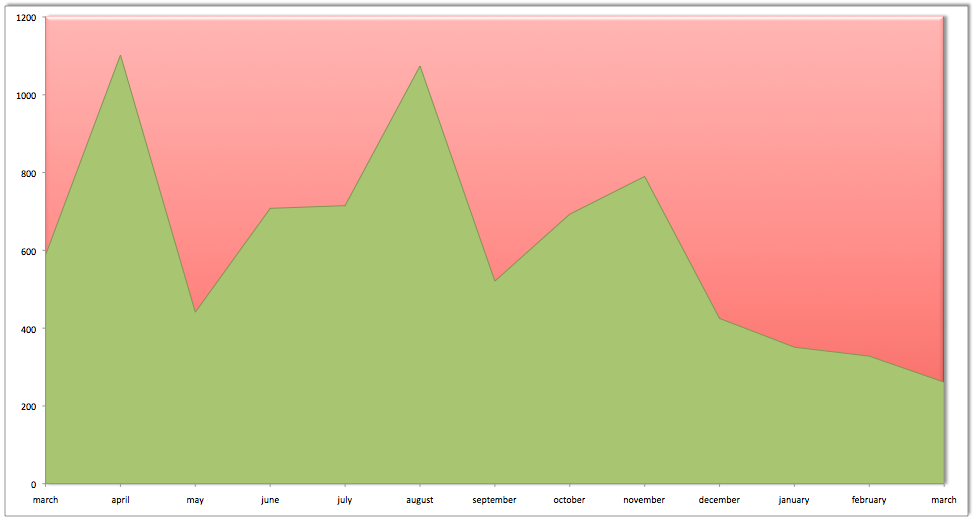
Text messages on the other hand, didn’t seem to be affected by my “dead” phone. I’ve slowly stopped texting and started doing more emailing/tweeting, however, the text count is still too high to go from unlimited to 500 per month.

So the new plan? Not much of a new plan, I’ll still need unlimited data/text.